Welcome to the Markdown to Word converter! This is a sample document that demonstrates the various markdown features supported by the application.
This converter supports a variety of markdown formatting options that will be properly converted to Word document formatting.
You can use bold text to emphasize important points.
You can also use italic text for subtle emphasis.
You can combine bold and italic for extra emphasis.
Use inline code to highlight code snippets like const x = 10; within your text.
The converter supports multiple heading levels:
Here's a link to GitHub and the Markdown Guide.
You can also use reference-style links: MarkdownToWord Repository.
Images are supported! Here's an example:
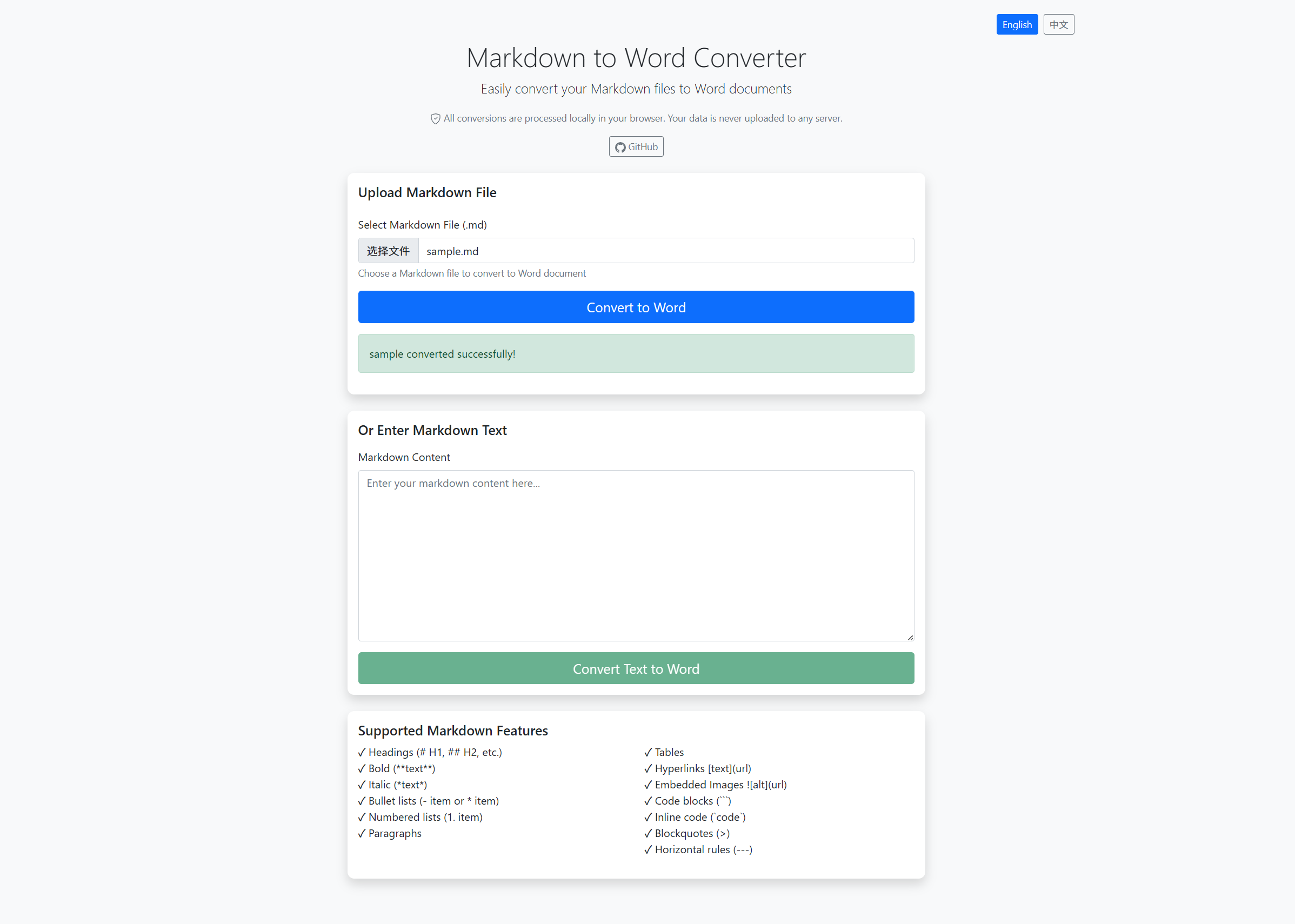
The converter will show image placeholders with the URL in the Word document.
Here's a table showing supported features:
| Feature | Status | Description |
|---|---|---|
| Headers | ✓ | H1-H6 supported |
| Bold | ✓ | **text** format |
| Italic | ✓ | *text* format |
| Tables | ✓ | Full table support |
| Links | ✓ | text format |
| Images | ✓ |
The converter supports fenced code blocks:
function greet(name) {
    console.log(`Hello, ${name}!`);
}

greet("World");
def calculate_sum(a, b):
return a + b
result = calculate_sum(10, 20)
print(f"Sum: {result}")Here's a list of supported features:
- File upload support
- Direct text input
- Multiple markdown formats
- Instant conversion
- Clean and modern UI
Here's how to use the converter:
- Upload your markdown file or paste your content
- Click the convert button
- Download the generated Word document
- Open it in Microsoft Word or compatible application
You can also create nested lists:
- First level
- Second level
- Third level
- Second level
- Back to first level
This is a blockquote. It's perfect for highlighting important information or quotes from other sources.
You can have multiple paragraphs in a blockquote.
"The best way to predict the future is to invent it." - Alan Kay
You can add horizontal rules to separate sections:
This is content after a horizontal rule.
This is a regular paragraph. The converter properly handles paragraph spacing and formatting to ensure your Word document looks professional and well-structured.
This is another paragraph. Notice how blank lines between paragraphs are preserved in the Word document, making it easy to read.
- Fast: Convert your markdown files in seconds
- Comprehensive: Supports tables, images, links, code blocks, and more
- Easy: Simple and intuitive web interface
- Accurate: Preserves formatting and structure
- Free: Open source and free to use
To get started, simply upload a markdown file or paste your markdown content into the text area on the home page. Then click the convert button and your Word document will be ready to download!
You can combine different formatting options: bold with code, italic with links, and more.
| Column 1 | Column 2 | Column 3 | Column 4 |
|---|---|---|---|
| Left aligned | Centered | Right aligned | Default |
| Bold | Italic | Code |
Normal |
| 123 | 456 | 789 | 0 |
We hope you find this Markdown to Word converter useful! If you have any questions or suggestions, please feel free to open an issue on GitHub.
Thank you for using MarkdownToWord!