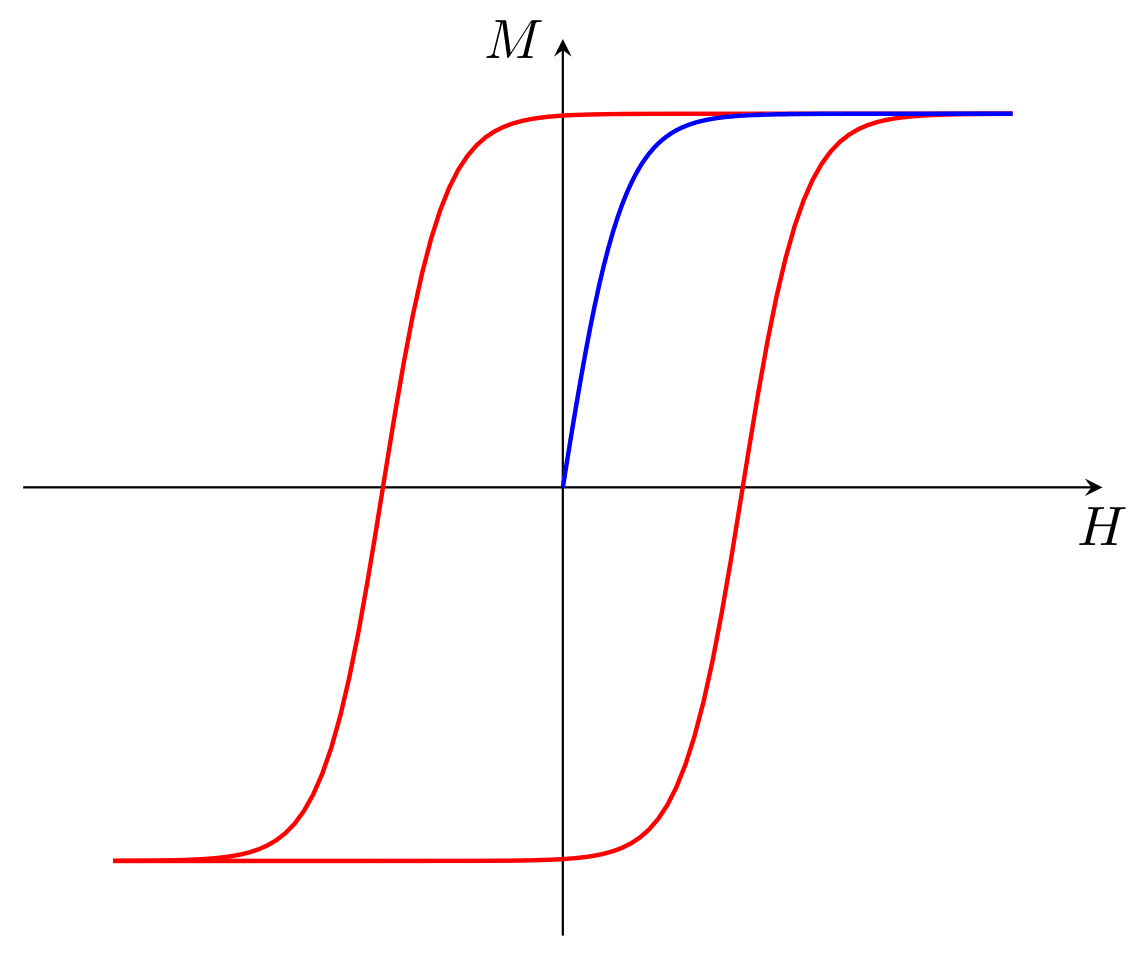


HYsteresis LOop Analyzer is a Python package that allows you to load, analyze and visualize hysteresis loops using a graphical interface.
- Loading and managing experimental data files
- Visualization of hysteresis loops with interactive tools
- Correction and analysis of loops
- Wokrsheet for general purposes data analysis
- A simple code editor to write custom scripts for data analysis and visualization
- An integrated python shell
🔗 Complete documentation:
📚 ReadTheDocs - hyloa
HYLOA is distributed both with pip and with a wheel (.whl) through GitHub Releases.
The recommended installation method is different between Linux and Windows, but in both cases it is possible
to use either method. The wheel installation allows to choose the version, and is recommended for Windows users,
bacuse it include a simple installer script which is the setup.bat file;
while the pip installation allows you to get the latest version directly from PyPI.
Obviously is recomended to do this in a virtual environment to avoid conflicts with other packages.
python -m venv .venv
source .venv/bin/activate - Open a terminal and run:
pip install hyloaThis will install the latest version of HYLOA from PyPI.
-
Go to the release page:
-
Download the file:
hyloa-<version>-py3-none-any.whl -
Open a terminal in the folder where the wheel was downloaded.
-
Install HYLOA with:
python -m pip install hyloa-<version>-py3-none-any.whlTo make the installation process easier for Windows users,
each release includes a simple installer script: setup.bat.
You can use it to install HYLOA and create a desktop shortcut to launch the GUI.
You only need to do the following:
-
Download from the release page:
hyloa-<version>-py3-none-any.whlsetup.bat
-
Double-click setup.bat
The script will:
- install HYLOA,
- create a desktop shortcut to launch the GUI.
To start the graphical interface on Linux, use the command:
hyloaOn Windows just use the desktop shortcut.