Color Party is a fast-paced multiplayer Minecraft minigame (Spigot plugin) inspired by Hypixel's Pixel Party and HiveMC's Block Party. Players must quickly move to the correct color tile before the floor disappears beneath them. The game consists of 25 rounds that become progressively shorter and more intense.
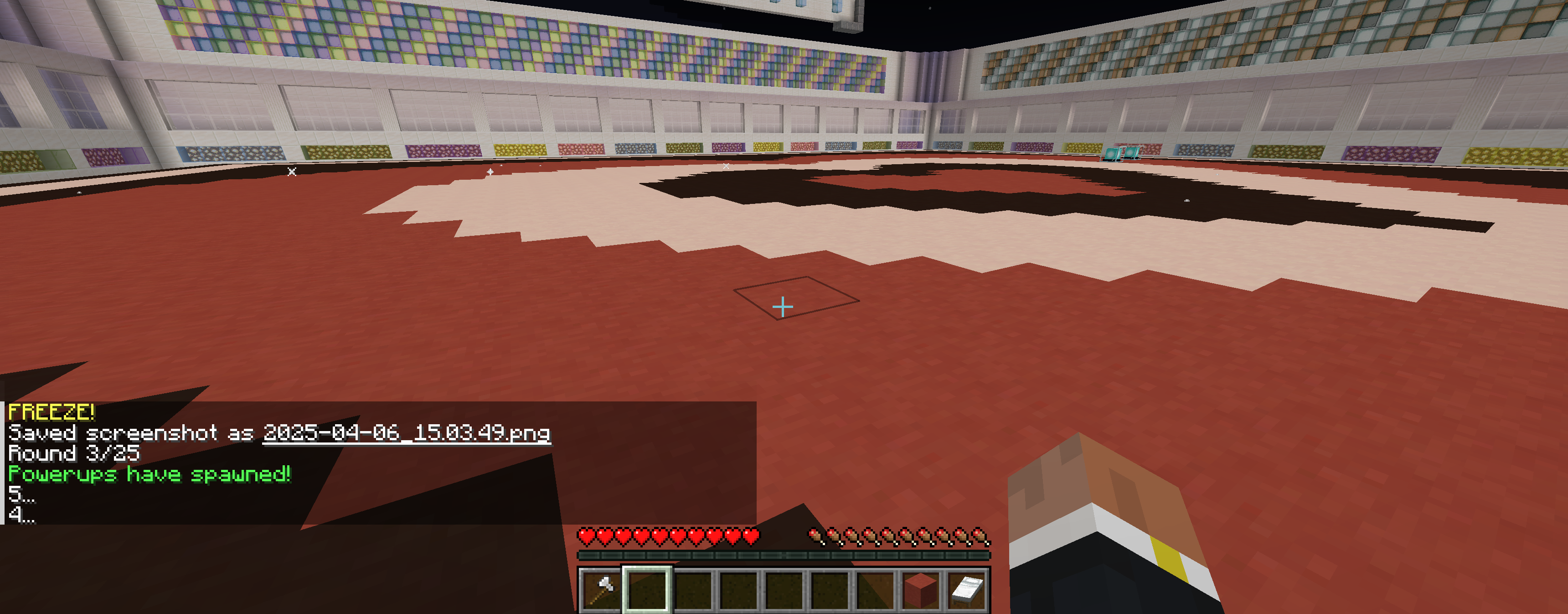
At the start of each round, a terracotta block is placed in each player's inventory, indicating the safe color. Players have up to 5 seconds to relocate to that color. After the timer ends, all other tiles vanish—eliminating anyone standing on the wrong block.
- Villager NPC spawn point at
59.5, 66, -392.5in the Overworld. Right-clicking the NPC teleports players to ColorPartyWorld. - In ColorPartyWorld, any player can start the game by right-clicking:
- Emerald for Normal Mode
- Amethyst Shard for Crazy Mode
- Game continues until all players fall except one.
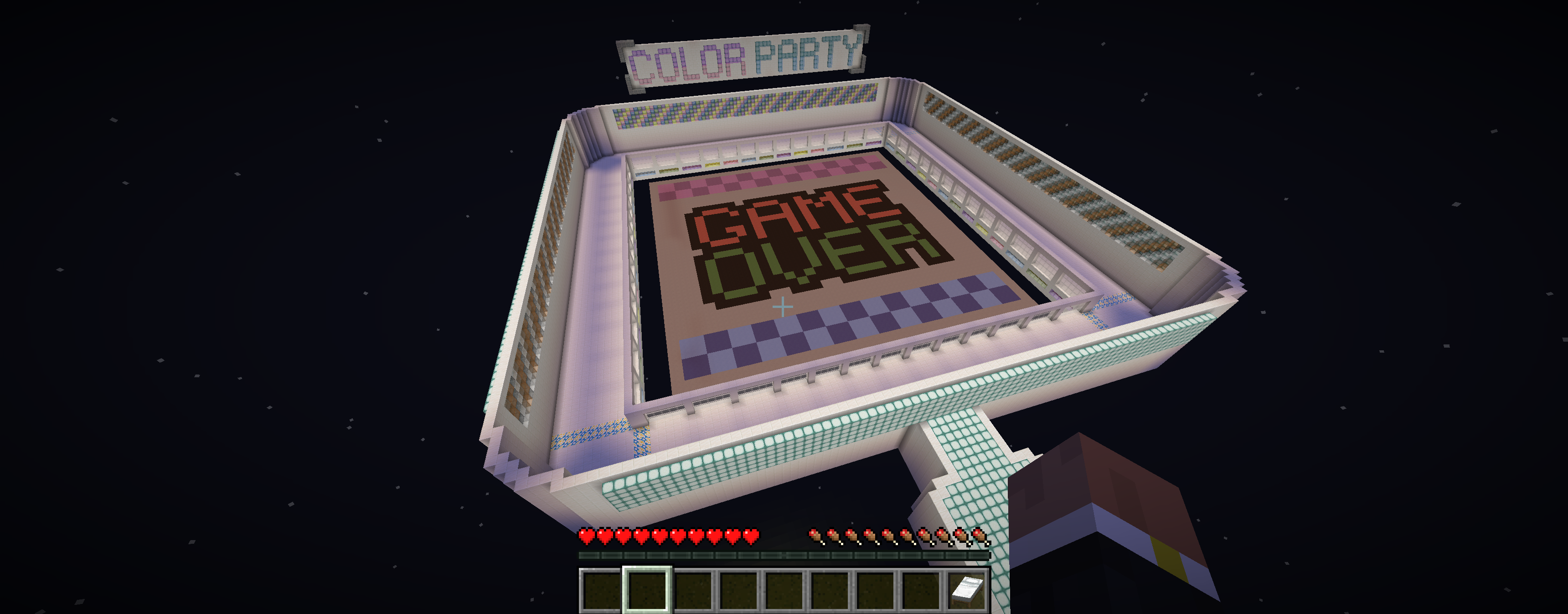
- After the game ends, players must click the Exit bed and rejoin via the NPC to reset the map.
- Supports Java version 21 (tested with OpenJDK 21.0.3).
- Supports Spigot version 1.21 (tested with 1.21.4 and 1.21.5).
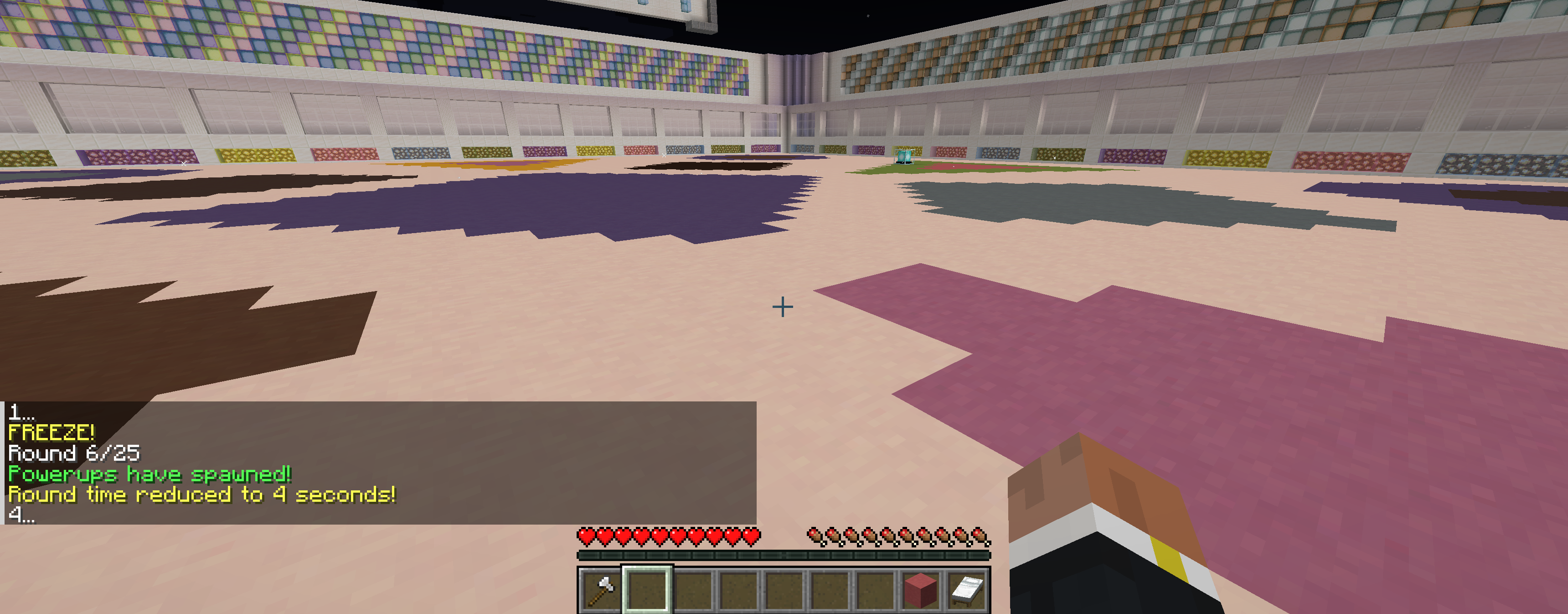
- 20 unique dance floor designs selected randomly each round. Design your own using Color Party Dance Floor Designer.
- 60% chance per round that 3 beacons spawn on the dance floor, each granting a random powerup.
Includes everything in Normal Mode, with one additional effect per round:
- Snow Storm – Snow gradually covers the dance floor, making it hard to see.
- Rolling Colors – Floor shifts continuously, forcing players to adapt on the move.
- Color Bombs – Withers spawn and shoot exploding projectiles that change block colors.
- Jockey Chaos – Chicken jockeys spawn, paint the floor behind them, and knock players back.
Triggered by clicking a spawned beacon:
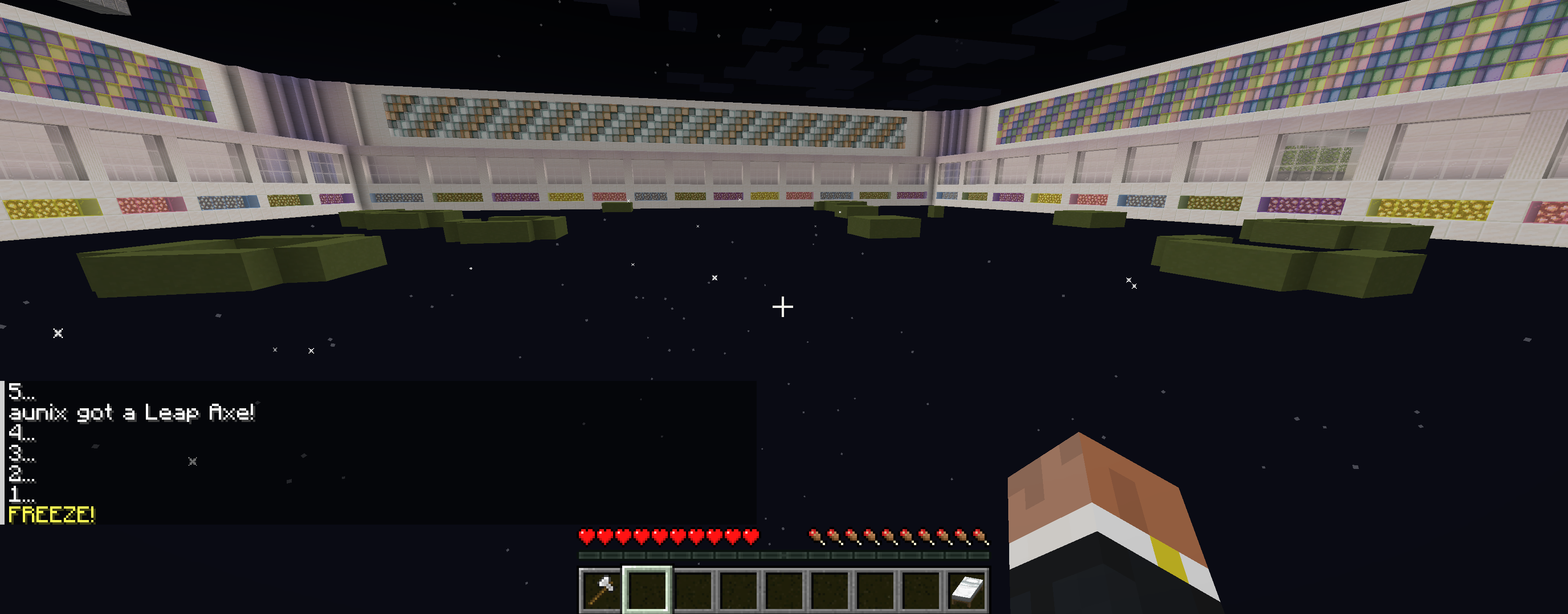
- Leap Axe – A one-time-use axe that launches the player forward.
- Color Cow – A cow that explodes after a delay, changing nearby blocks to the correct color.
- Jump Potion – One-time-use potion with enhanced jump boost.
- Speed Potion – One-time-use potion with increased speed.
- Color Trail – Player leaves a trail of color. Standing still becomes deadly.
- Teleport Clock – Teleports player instantly to the correct color block.
- Random Teleport – Teleports player to a random tile.
- Hunger Curse – Player is starved for the round, disabling sprint.
- Glass Magic Carpet – A floating glass platform prevents the player from falling for the rest of the round.
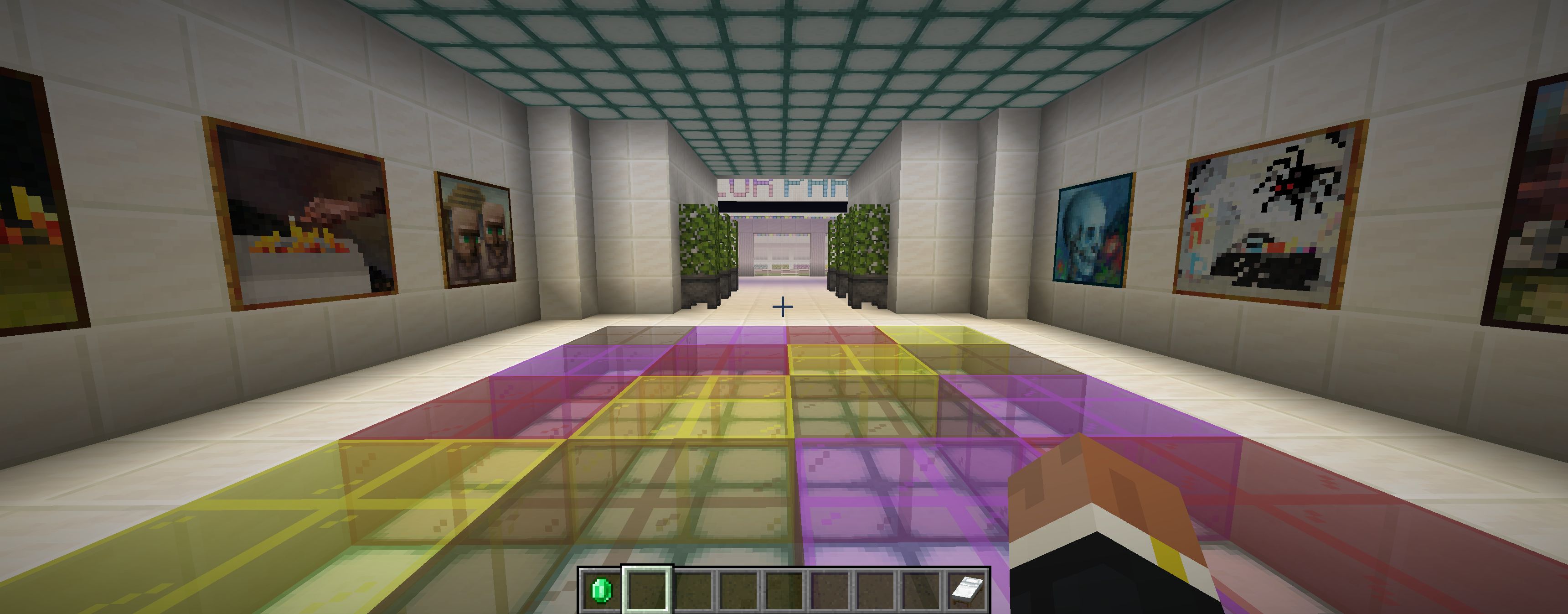
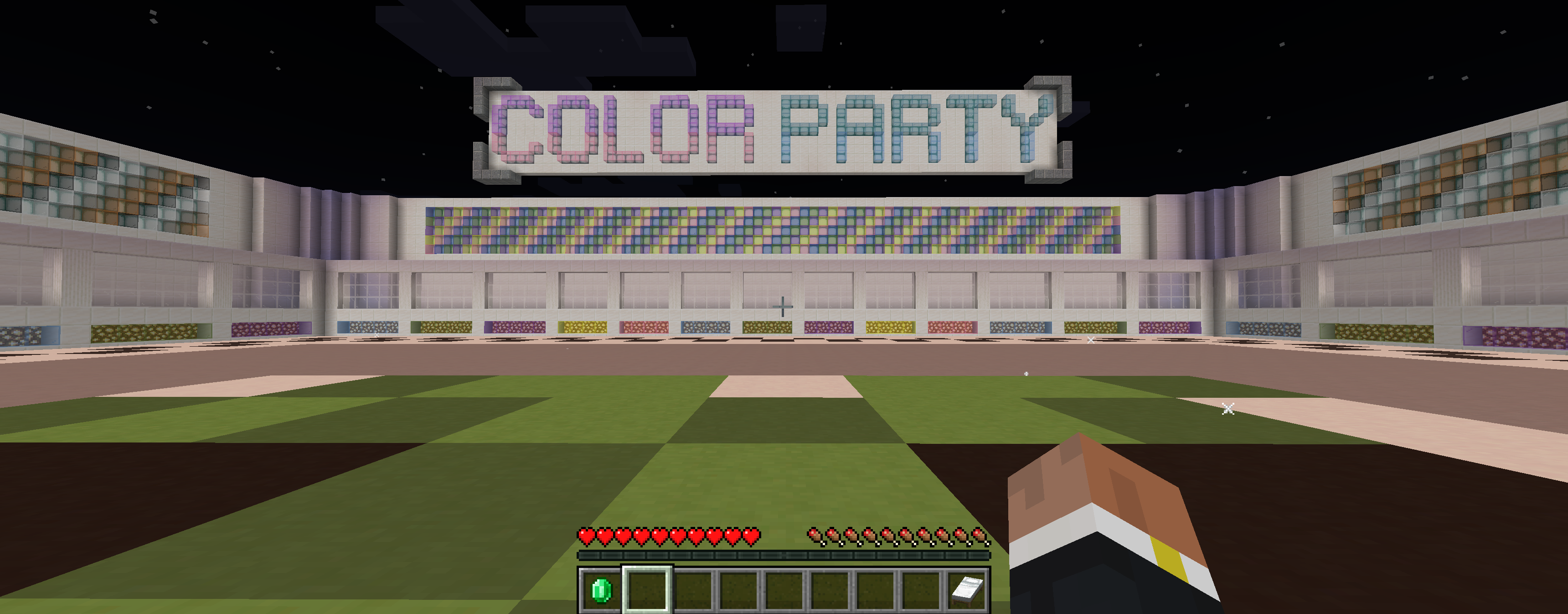
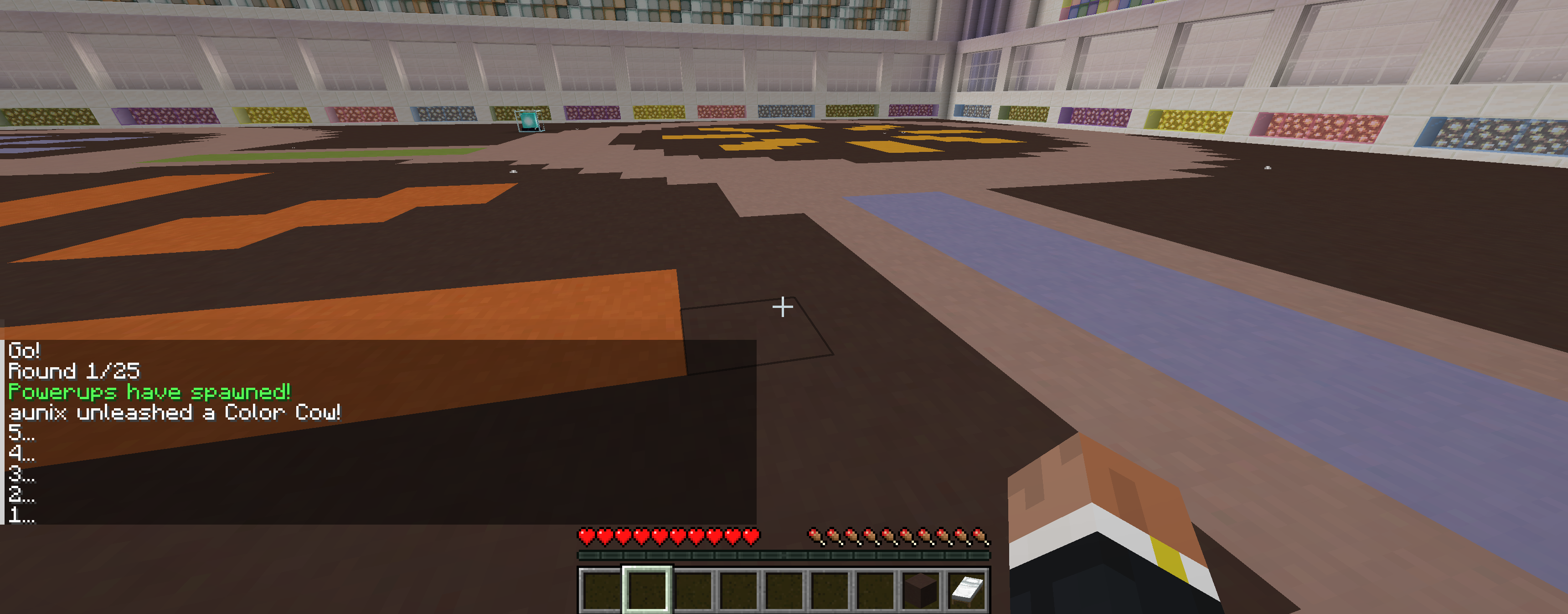
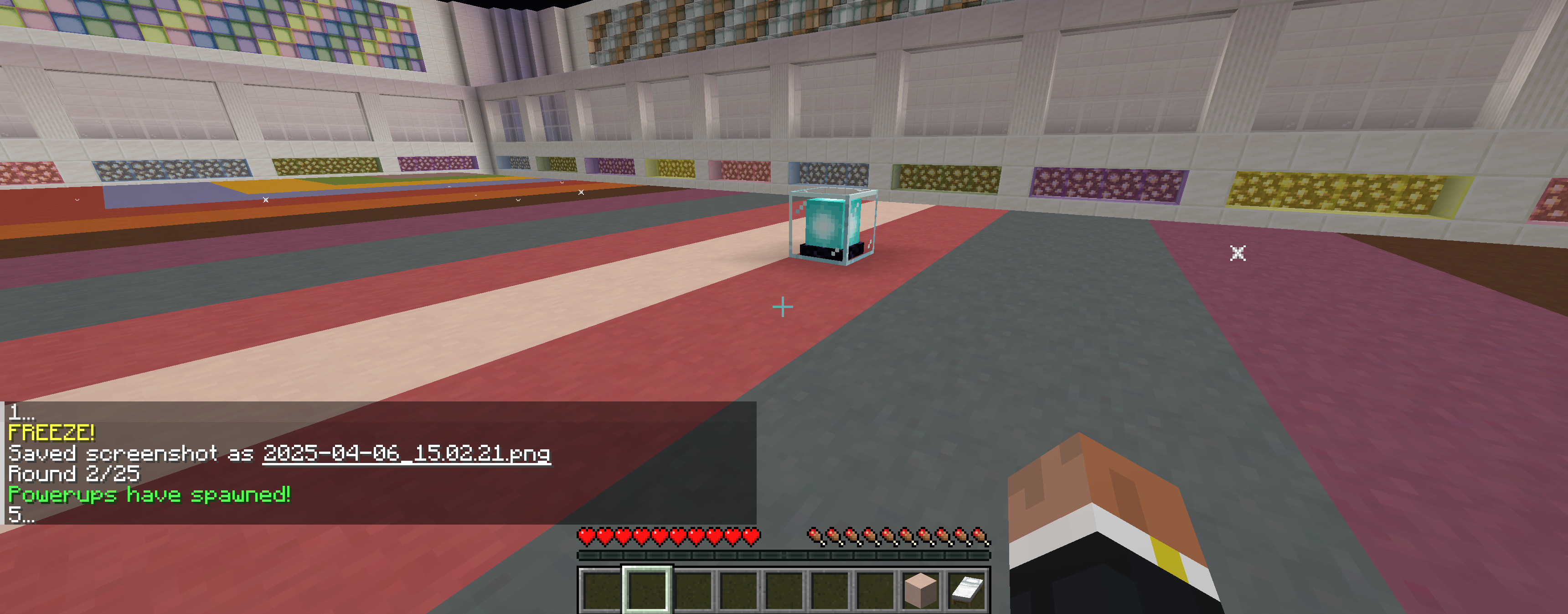
Download ColorPartyPlugin.jar from the Releases section and place it in the plugins directory of your Minecraft Spigot server. Extract colorpartyworld map to your server. The map includes the bridge around the dance floor. Without this map, the game will not function as you will immediately fall when joining the world.
Please remember that you may experience difficulty if attempting to use versions other than OpenJDK 21 and Spigot 1.21.
Building from source is recommended if you want to customize aspects of the game—such as the NPC spawn location or the return coordinates used when players right-click the Exit bed.
-
Create a new IntelliJ IDEA project named
ColorPartyPlugin. -
Project Structure:
- Inside your project, create an
srcdirectory. - Within
src, create two packages:com.example.colorpartyplugin(copy all Java files here)resources(copy the following files here:plugin.yml, all.nbsfiles, and all.jsonfiles)
- Inside your project, create an
-
Configure Project SDK and Libraries:
- Go to File > Project Structure.
- Under Project, set the SDK to 21 (Oracle OpenJDK).
- Under Libraries, add the following dependencies:
gson-2.9.1NoteBlockAPI-1.6.3spigot-api-1.21.4-R0.1-SNAPSHOT
-
Artifacts Configuration:
- Under Artifacts, make sure all
.json,.nbs, and other resources are included at the root level ofColorPartyPlugin.jar. - This may require manually adding each resource file.
- Under Artifacts, make sure all
-
Modules Setup:
- Under Modules, ensure all libraries are selected for export.
- Set the scope for each library to Provided.
-
Build:
- After applying all changes, use Build > Build Artifacts > Build to generate
ColorPartyPlugin.jar.
- After applying all changes, use Build > Build Artifacts > Build to generate
You can now place your newly built .jar file into your server’s plugins folder and restart the server to load your custom version of Color Party.