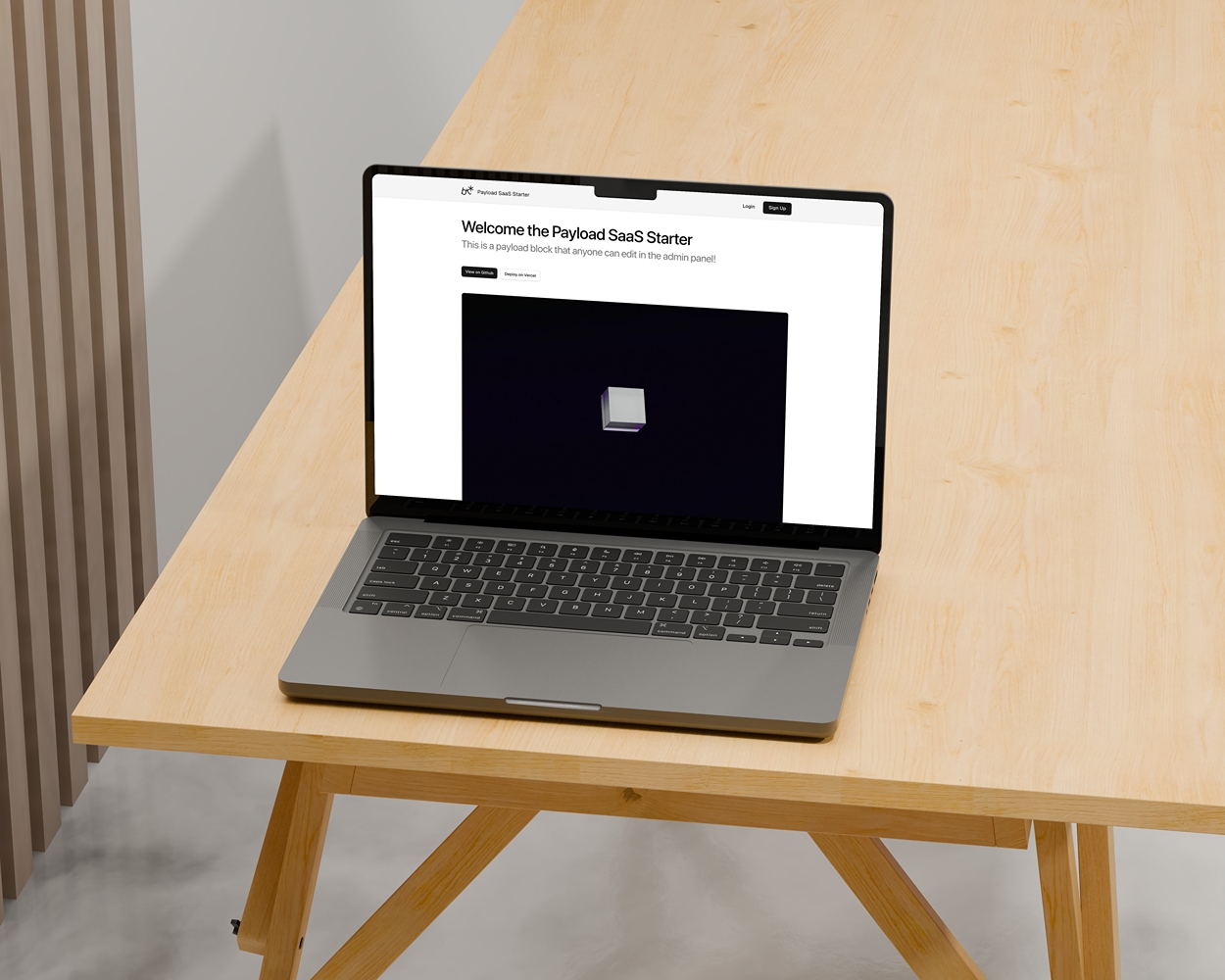
A modern, open-source starter kit built with Next.js 16 and Payload CMS 3. Ships with the Payload admin panel, a PostgreSQL-backed CMS, role-based admin access, and a clean Next.js frontend — no custom SaaS auth layer to rip out.
Want user-facing authentication? These sibling templates add a full auth layer on top of the same foundation:
- payload-clerk - With Clerk authentication
- payload-workos - With WorkOS authentication
- payload-blog - Blog starter template
- Payload admin panel at
/adminwith its own built-in authentication - Role-based admin access control (
admin/user) on theUserscollection - PostgreSQL via the official Payload adapter
- Auto-generated, end-to-end TypeScript types from your collections
- Media uploads with Sharp optimization, stored in Vercel Blob (S3/R2-ready)
- REST API at
/apiand GraphQL at/api/graphql - SEO-ready public site with shared metadata helpers, sitemap, robots, JSON-LD, and post-level SEO overrides
| Category | Technology |
|---|---|
| Framework | Next.js 16.2 with App Router |
| Runtime UI | React 19.2 |
| CMS | Payload CMS 3.85 |
| Language | TypeScript 5.7 |
| Database | PostgreSQL |
| Styling | Tailwind CSS 4 |
| Components | shadcn/ui + Radix UI |
| Storage | Vercel Blob by default, S3/R2-ready |
| Testing | Vitest |
| Package Manager | pnpm 10.12 |
- Server-first architecture with React Server Components
- Auto-generated TypeScript types from Payload collections
typecheckandtestscripts for a green baseline- Reusable design system components (
@/components/ds) - Central SEO config driven by
APP_URL - Built-in security headers
- Docker support included
- Vercel deployment ready
- Node.js: v20.9.0 or newer
- Package Manager: pnpm 10.12.4
- Database: PostgreSQL
- Storage: Vercel Blob for media uploads, or configure S3/R2
# Clone the repository
git clone https://github.com/brijr/payload-starter.git
cd payload-starter

# Use the pnpm version pinned in package.json
npm install -g pnpm@10.12.4

# Install dependencies
pnpm install

# Set up environment variables
cp .env.example .env
# Edit .env with your credentials

# Start the development server
pnpm dev
Visit http://localhost:3000 to see the frontend, and http://localhost:3000/admin for the Payload admin panel. The first account you create at /admin becomes your CMS user — set its role to admin to access the panel.
| Command | Description |
|---|---|
pnpm dev |
Start development server |
pnpm devsafe |
Start dev server (clears .next cache first) |
pnpm build |
Build for production |
pnpm start |
Start production server |
pnpm lint |
Run ESLint |
pnpm typecheck |
Type-check with tsc --noEmit |
pnpm test |
Run the Vitest suite once |
pnpm test:watch |
Run Vitest in watch mode |
pnpm payload |
Access Payload CLI |
pnpm generate:types |
Generate TypeScript types from collections |
pnpm generate:importmap |
Generate Payload import map |
src/
├── app/                      # Next.js App Router
│   ├── (frontend)/           # Frontend routes
│   │   └── (site)/           # Public site routes
│   └── (payload)/            # Payload CMS admin + API routes
│       ├── admin/            # Admin panel UI
│       └── api/              # Payload REST + GraphQL endpoints
├── collections/              # Payload collections (Users, Media)
│   └── Posts.ts              # Publishable posts with SEO override fields
├── components/
│   ├── site/                 # Site components (header, footer)
│   ├── theme/                # Theme provider and toggle
│   ├── ui/                   # shadcn/ui components
│   ├── rich-text.tsx         # Payload Lexical rich text renderer
│   ├── structured-data.tsx   # JSON-LD script renderer
│   └── ds.tsx                # Design system exports
├── hooks/                    # React hooks (use-mobile, ...)
├── lib/
│   ├── seo.ts                # Shared metadata, URL, sitemap, and JSON-LD helpers
│   ├── seo.test.ts           # SEO helper tests
│   ├── utils.ts              # Utility functions (cn, ...)
│   └── utils.test.ts         # Vitest smoke test
├── payload.config.ts         # Payload CMS configuration
└── payload-types.ts          # Auto-generated types
Create a .env file in the root directory:
# Public app URL used for metadataBase, canonical URLs, sitemap, robots, and JSON-LD
APP_URL=http://localhost:3000

# Database (PostgreSQL)
DATABASE_URI=postgres://user:password@localhost:5432/dbname

# Payload CMS
PAYLOAD_SECRET=your-secure-secret-key-min-32-charsVercel Blob is preconfigured as the default media storage backend.
# Storage (Vercel Blob)
BLOB_READ_WRITE_TOKEN=vercel_blob_xxxxxxThe S3 storage package is installed for Cloudflare R2 or AWS S3. To switch providers, update src/payload.config.ts to use @payloadcms/storage-s3, then add the relevant credentials:
R2_ACCESS_KEY_ID=your-access-key
R2_SECRET_ACCESS_KEY=your-secret-key
R2_BUCKET=your-bucket-name
R2_ENDPOINT=https://your-endpoint.r2.cloudflarestorage.com| Route Pattern | Access | Description |
|---|---|---|
/(site)/* |
Public | Marketing pages, public content |
/(payload)/* |
Admin login | Payload CMS admin interface |
/api/* |
Varies | Payload REST API |
/api/graphql |
Varies | GraphQL endpoint |
SEO is centralized in src/lib/seo.ts so new projects can change the site name, default description, canonical host, and social images in one place.
- Set
APP_URLto the public origin for each environment. It powersmetadataBase, canonical URLs, Open Graph URLs,robots.txt,sitemap.xml, and JSON-LD. - Root metadata in
src/app/(frontend)/layout.tsxuses shared defaults, including title templates, robots directives, Open Graph, and Twitter card metadata. - Public pages use
createMetadata()orcreateArticleMetadata()for canonical, Open Graph, and Twitter metadata. src/app/(frontend)/(site)/sitemap.tsincludes/,/posts, and published posts from Payload whenDATABASE_URIis configured.src/app/robots.tsallows the public site and disallows/adminand/api.StructuredDatarenders escaped JSON-LD. The root layout emits WebSite and Organization schema; post pages emit Article and BreadcrumbList schema.- Posts include optional
meta.title,meta.description, andmeta.imagefields. If left blank, metadata falls back to the post title, excerpt, hero image, and site defaults.
Authentication is handled entirely by Payload CMS's built-in auth on the Users collection — there is no custom user-facing auth layer.
- Sign in at
/adminto reach the CMS. - Access to the admin panel is gated by the
isAdminaccess control insrc/collections/Users.ts, which checksuser.role === 'admin'. - Payload manages password hashing (bcrypt), the auth cookie, CSRF protection, and rate limiting for you.
To add user-facing login/registration, layer an auth provider on top (see the payload-clerk / payload-workos sibling templates) or build against Payload's local API and authentication docs.
Already configured. Just add BLOB_READ_WRITE_TOKEN to your environment.
- Add an
@payloadcms/storage-s3plugin configuration inpayload.config.ts - Disable or remove the Vercel Blob storage plugin
- Add R2/S3 credentials to your environment
| Feature | Implementation |
|---|---|
| Admin auth | Payload built-in (HTTP-only cookies) |
| CSRF Protection | Built into Payload |
| Password Hashing | bcrypt via Payload |
| Access Control | role-based on the Users collection |
| Security Headers | Configured in next.config.mjs |
| Rate Limiting | Built into Payload auth endpoints |
# 1. Create collection file
# /src/collections/Posts.ts

# 2. Add to payload.config.ts
# collections: [Users, Media, Posts]

# 3. Generate types
pnpm generate:types# shadcn/ui components are in /src/components/ui/
# Import layout + prose primitives from the design system:
import { Section, Container, Nav } from '@/components/ds'Vitest is configured out of the box. Co-locate *.test.ts files next to the code they cover (see src/lib/utils.test.ts) and run pnpm test.
- Push your code to GitHub
- Import the repository in Vercel
- Configure
DATABASE_URI,PAYLOAD_SECRET,APP_URL, andBLOB_READ_WRITE_TOKEN - Deploy
# Build the image
docker build -t payload-starter .

# Run the container
docker run -p 3000:3000 --env-file .env payload-starter
See README.docker.md for Docker Compose development setup.
pnpm devsafe # Clears .next cache and starts dev serverpnpm generate:types- Verify
DATABASE_URIformat:postgres://user:password@host:5432/database - Ensure PostgreSQL is running
- Check firewall/network settings
Contributions are welcome! Please feel free to submit a Pull Request.
This project is licensed under the MIT License - see the LICENSE file for details.
Created by brijr