

Sogen runs Windows and Linux programs without a real operating system, and lets you see and control everything they do.
Instead of reimplementing thousands of OS APIs, Sogen emulates binaries at the CPU and syscall level and runs the real system DLLs, so behavior closely matches the real OS.
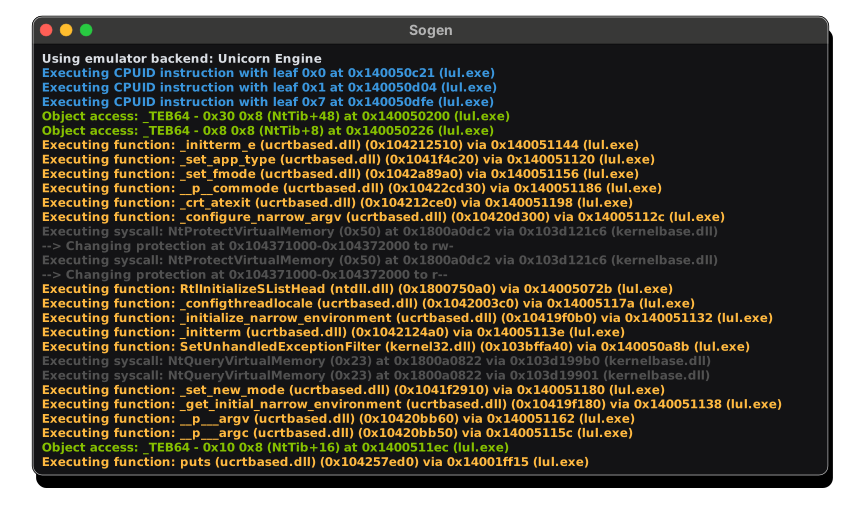
Every instruction, memory access and API call can be hooked, inspected or rewritten, runs are fully deterministic, and the entire emulator state can be snapshotted and restored.
Built in C++ and powered by the CPU backend of your choice:
Try it out: sogen.dev
- Real system DLLs: runs the actual ntdll, kernel32 and user32, not reimplemented stubs
- Hook & rewrite: intercept and change memory, instructions, syscalls and API calls
- Faithful Windows internals: PE loading (relocations, TLS), Windows memory types, SEH, threading, the registry, filesystem and networking
- Snapshot & restore: full state serialization, fast in-memory snapshots and minidump loading
- Runs everywhere: Windows, Linux, macOS, Android, iOS and the browser, on x86-64 and arm64
- Deterministic: every run is reproducible, down to the instruction
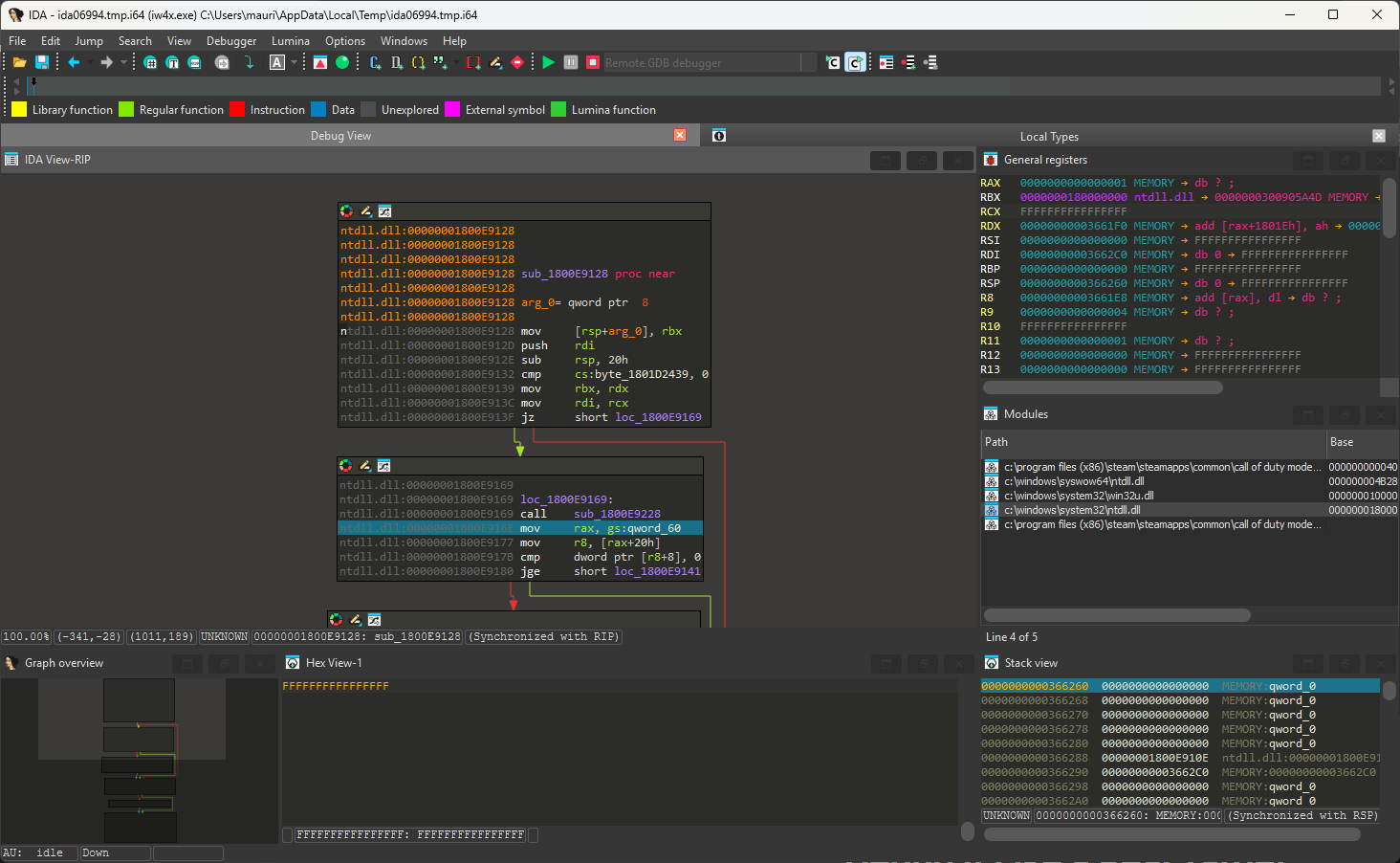
Debug with the tools you already know, like IDA Pro or GDB, over the GDB protocol, or use the built-in in-browser debugger.
The debugger runs at the emulator level, outside the process, so it stays invisible to anti-debug checks.
Native GUI apps run, with working windows, dialogs and controls.
GPU paravirtualization enables 3D acceleration on your real GPU, while the Hyper-V backend runs the code natively on your CPU. Fast enough for games.

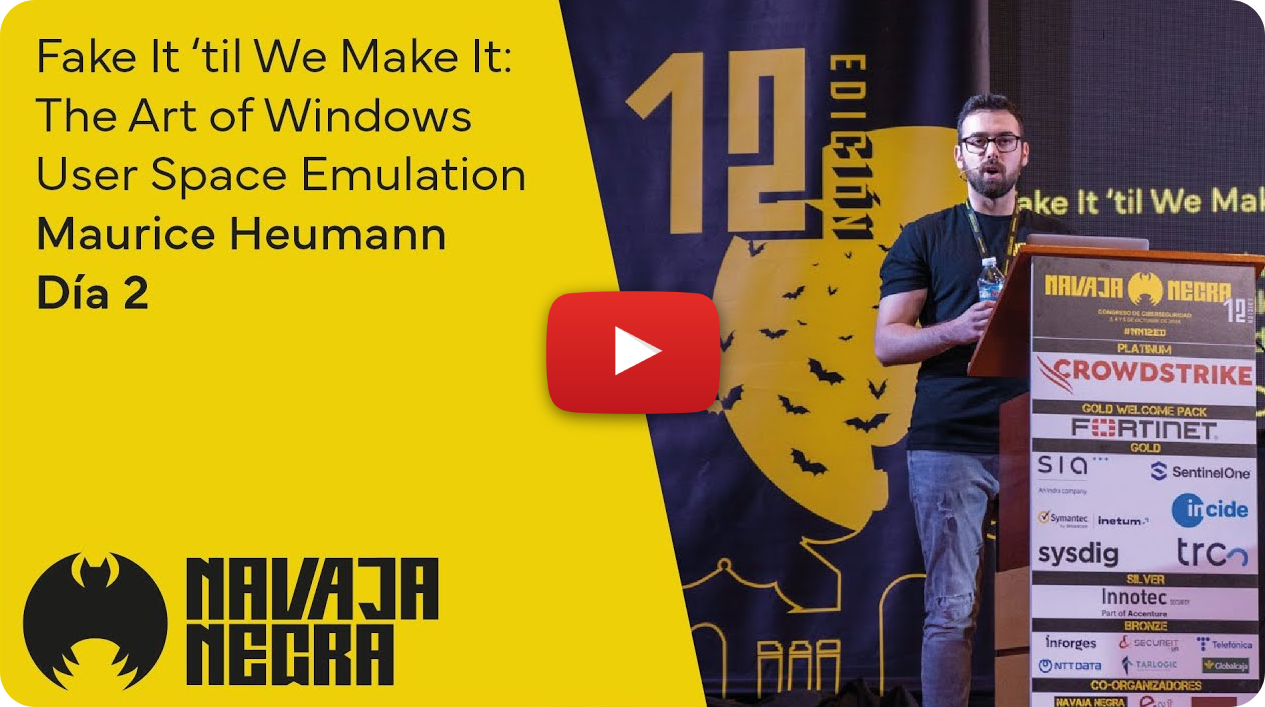
Click here for the slides.
Install with:
pip install sogenPython bindings require an emulation root. You can download a ready-made root here, or create your own by following the instructions in the wiki.
Example:
import sogen

emu = sogen.windows.create_application("c:/test-sample.exe", emulation_root="./root")


def on_module_load(module):
    if module.name.lower() == "test-sample.exe":
        emu.hooks.memory_execution_at(module.entry_point, lambda address: print(f"hit entry point: 0x{address:x}"))

emu.callbacks.on_module_load = on_module_load
emu.start()
print(emu.process.exit_status)
See examples/python/README.md for setup details and a larger example.
Tip
Checkout the Wiki for more details on how to build & run the emulator on Windows, Linux, macOS, ...
1. Checkout the code:
git clone --recurse-submodules https://github.com/momo5502/sogen.git2. Run the following command in an x64 Development Command Prompt in the cloned directory:
cmake --preset=vs20223. Build the solution that was generated at build/vs2022/emulator.sln
4. Create a registry dump by running the grab-registry.bat as administrator and place it in the artifacts folder next to the analyzer.exe
5. Run the program of your choice:
analyzer.exe C:\example.exe

![@dependabot[bot]](https://avatars.githubusercontent.com/in/29110?s=64&v=4)


